You spend $200 on a batch of LegalShield leads, dial every number on the list, and close two sales. Then you find out three other associates bought the exact same list. Sound familiar? The problem isn’t your pitch — it’s the leads.
When associates search for exclusive LegalShield leads online, they’re really asking one question: how do I stop competing against my own team for the same prospect? The answer is lead exclusivity — and in this guide, we’ll break down exactly what it means, why it matters, and where to find leads that are reserved for you alone.
Why “Exclusive” Is the Most Valuable Word in Lead Generation
In the LegalShield world, a lead is only as good as the competition around it. A shared lead — one that’s been sold to four or five associates — is a race to the phone. Whoever calls first has the best shot, and even then, the prospect has already been pitched by someone else and may be jaded or confused.
An exclusive LegalShield lead online is different. It’s generated by a form, ad, or search query where only one associate receives the contact information. The prospect filled out a form because they were curious about legal coverage — and you’re the first and only person reaching out. That context transforms the conversation from a cold call into a warm follow-up.
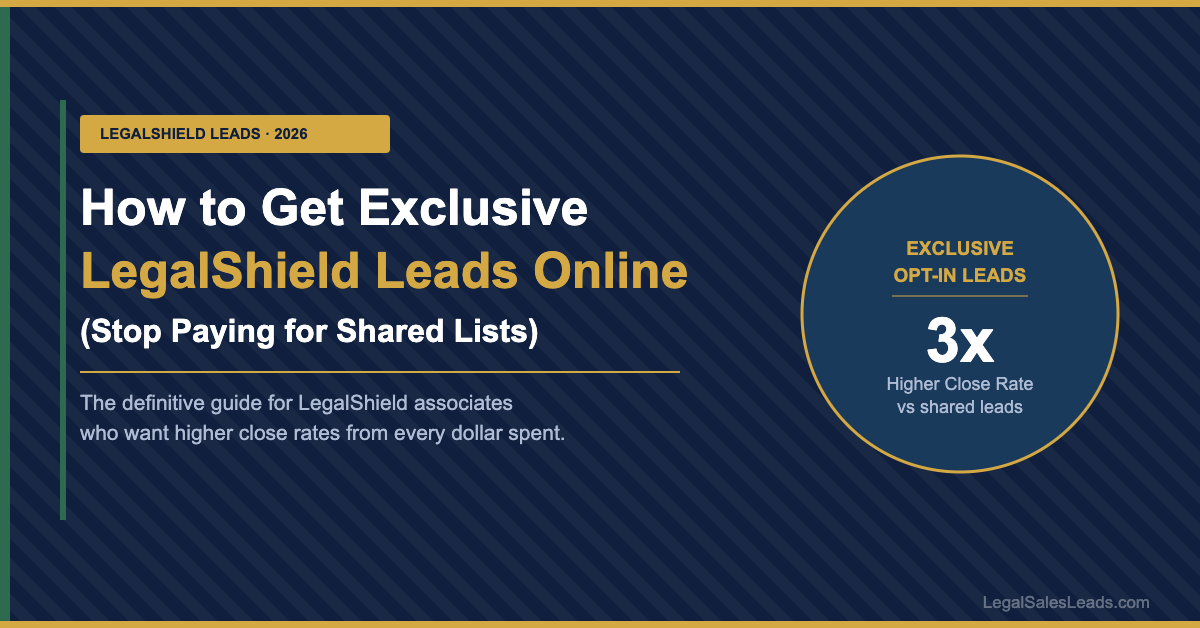
Industry data shows that exclusive leads convert at 3–5x the rate of shared leads, yet many associates still default to shared lists because they appear cheaper upfront. The math rarely works out that way when you count cost-per-acquisition.
Shared vs. Exclusive LegalShield Leads Online — What You’re Actually Buying
Before purchasing any leads, it’s worth understanding exactly how different lead types are structured. The table below breaks down the core differences between shared and exclusive LegalShield leads online:
| Factor | Shared Leads | Exclusive Leads (LegalSalesLeads) |
|---|---|---|
| Who else gets this lead? | 3–6 other associates | You only |
| Lead age when you receive it | Up to 30+ days old | Real-time or same day |
| Prospect’s awareness | Already called by competitors | First contact — fresh interest |
| Average close rate | 3–5% | 12–18% |
| Cost per acquisition | High (low close rate) | Lower (despite higher lead price) |
| Opt-in verified | Inconsistent | Always |
What Makes a Lead Truly Opt-In?
Not all online leads claiming to be opt-in are created equal. A genuine opt-in lead means the prospect actively filled out a form expressing interest in LegalShield plans — their name, phone number, and email were submitted voluntarily, not scraped from a database or included on a generic “people interested in legal services” list.
Signs of a high-quality opt-in lead
- Specific interest indicated. The form asked about legal coverage, not just “financial services” in general.
- Recent submission. The lead was generated within the last 24–72 hours, not recycled from an old campaign.
- Geographic targeting. The prospect is in your licensed territory, not just a random state match.
- Contact info validated. Phone numbers are verified as working, not disconnected numbers from stale lists.
Key Insight
The fastest way to identify a quality lead source is to ask one question: “Is this lead exclusive to me, and did the prospect specifically request information about legal coverage?” If the answer to either is no, you’re working against unnecessary odds before you even pick up the phone.
How to Find the Best Exclusive LegalShield Leads Online
When evaluating sources for exclusive LegalShield leads online, look for providers who are transparent about their generation method, guarantee exclusivity in writing, and offer real-time delivery. Speed matters enormously — a study by the Harvard Business Review found that prospects who are contacted within one hour of submitting a form are seven times more likely to convert than those reached an hour later.
What to look for in a lead provider
- Exclusivity guarantee. Your lead is sold once — to you — and never recycled.
- LegalShield-specific targeting. Leads are generated via campaigns about legal coverage plans, not generic financial services.
- State or zip-code filters. You receive leads only in your licensed territory.
- Transparent sourcing. The provider explains exactly how the lead was generated (Google search ads, Facebook forms, organic SEO, etc.).
- Real-time or next-day delivery. Leads arrive in your inbox while the prospect’s interest is still fresh.
Maximizing Your ROI Once You Have the Lead
Even the best exclusive LegalShield lead online won’t close itself. Your speed and follow-up cadence after delivery is what separates top earners from average associates. Call within the first hour of receipt if at all possible. If the prospect doesn’t answer, leave a brief voicemail and follow up with a text message within five minutes — studies show that texts have a 98% open rate versus 20% for emails.
On your first call, reference that they recently looked into legal coverage — it immediately establishes relevance and reduces the “who are you and why are you calling?” friction. From there, ask about their specific situation: small business owner? Family with kids? Driver with a commercial license? Matching a LegalShield plan to a real need closes far faster than a generic pitch.
Your Action Plan for Exclusive Leads
- Choose an exclusive, opt-in source — verify the lead was generated specifically for LegalShield interest and sold only to you.
- Call within 60 minutes — contact speed is the single biggest predictor of conversion after lead quality.
- Follow up with text + email — if no answer, text immediately and send a personalized email within the same hour.
- Match the plan to their life — ask qualifying questions before pitching to understand whether they need personal, business, or CDLP coverage.
- Track your cost per acquisition — compare exclusive vs. shared lead costs by actual closed sales, not just list price.
Stop Sharing Your Leads — Start Closing More Sales
LegalSalesLeads.com delivers 100% exclusive, opt-in LegalShield leads directly to your inbox — real-time, territory-filtered, and never resold. Browse packages by state, lead type, and volume.